How to use AI to automate your Email Marketing

We’ve been using AI more and more in our Email Marketing to automate our processes and get more work done quickly

The 2 main AI tools we’ve been using have been:

  1. ChatGPT

  2. Midjourney

Before I get into it, if you’re looking to outsource your Email Marketing, talk with me here

https://www.nestmarketing.co/

Let me go more into detail on HOW we’re using both of these and how you can do the same to almost automate your Email Marketing processes. You can create SOPs from this pretty easily and hand these tasks to a VA to fully automate your Email Marketing processes

ChatGPT

  1. Create ideas for your Emails

One of the best things about ChatGPT is its ability to give you a ton of fresh ideas in seconds that you can use or even just take inspiration from

Let’s pretend we’re a fast food brand:

For the opening prompt, don’t just do something basic like ‘give me 10 email ideas for x’. This will give you very basic, surface-level information. Tell ChatGPT it’s an expert in the field. This is the only time you have to do this, but it will help you get much better info from the start

  1. Create subject lines for your Emails

You can also use ChatGPT to create your subject and preview lines for Emails.

Once you find an subject + preview line that you like you can ask ChatGPT for iterations of it to find an even better one

Sometimes you have to throw a ‘please’ in. Maybe AI will spare you for being polite when they finally take over

  1. Writing the Email content

You can also get ChatGPT to write your Email content for you too. It’s not perfect but it gives you a good template to work off

ChatGPT most likely won’t get it right the first time, but if you give it more prompts it will come up with something better. The important thing is to be specific with what you want and give it all the info it needs

You can also ask it to create CTAs that you can use. The process is the exact same one we’ve been following so I won’t include it now. With most campaigns you can get away with a simple ‘shop now’ CTA or something basic like that (’shop now’ is actually proven to be one of the highest converting CTAs)

MidJourney AI

We use Midjourney to create images that we can use in the Emails

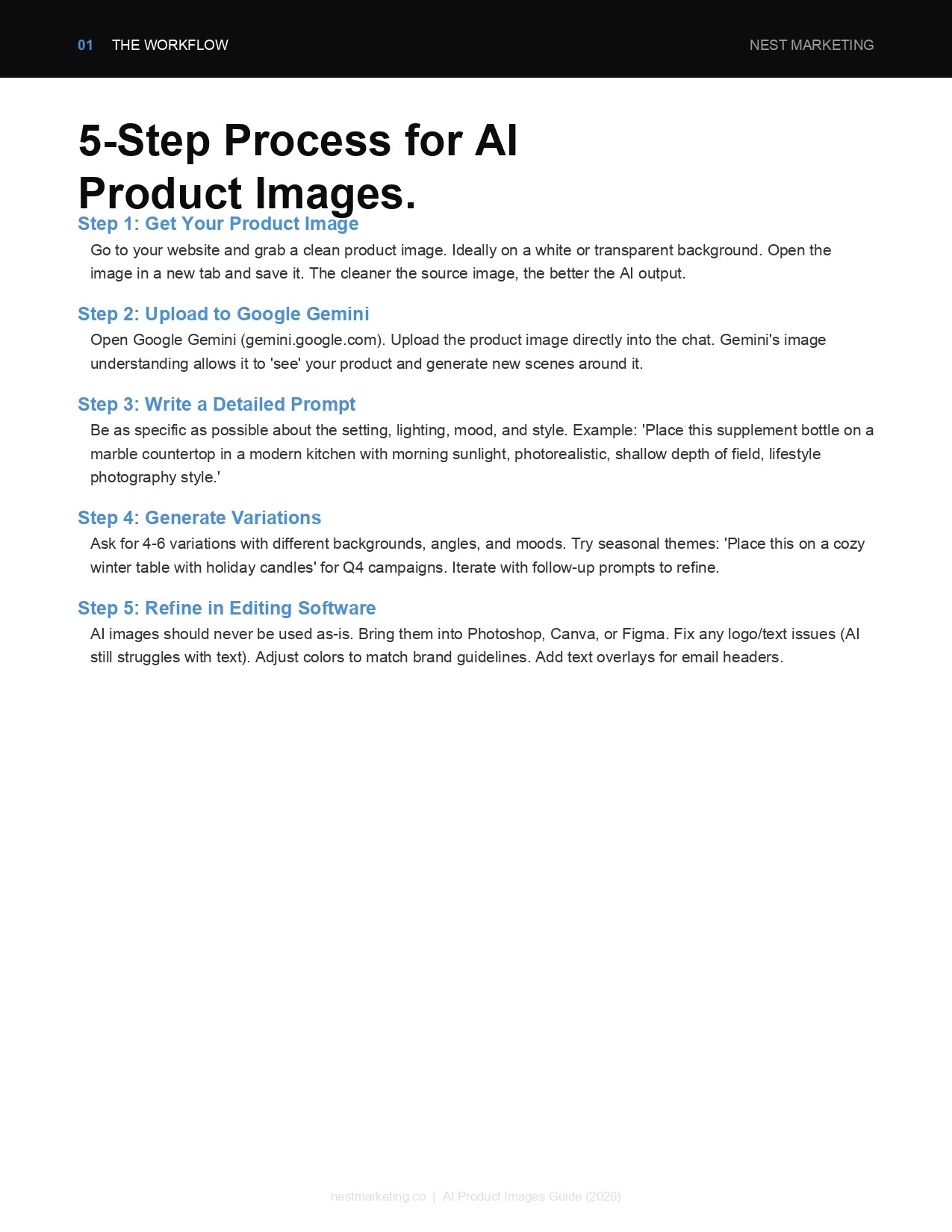
Step 1: Getting the Product Image

The first thing you need to do is go to your website and get an image of the product that you want to promote

It must be on a white background to be able to use it properly

Let’s keep doing the burger product. Find the image you want and open the image in a new tab

Then just copy the link at the top of the page and navigate into Midjourney

Step 2: The Midjourney prompt

Midjourney is on Discord, look it up on Google if you’re not already in it and it will be the first link there. Then just join their Discord channel

Type /imagine and paste the link you just copied

Now we will create our prompt. Remember you need to make it as detailed as you possibly can. You can use this prompt as an example to use yourself:

Prompt:
https://thumbs.dreamstime.com/b/burger-white-background-fresh-big-42303188.jpg Model Shot of Joe Rogan holding the Burger in the image while smiling and looking at the camera, blue background, fine art cinematic portrait photography, 4k resolution, ultra hyper-realism, dramatic lighting --v 5 --s 750

These are the pictures that Midjourney gave us:

Obviously these ones are not great 😂 Maybe Midjourney doesn’t know Joe Rogan well enough yet. However, we have used it for other celebrities before with better results:

Step 3: Refining the Image

The U1, U2 etc means upscaling an image. If there’s one you like you can create a bigger and higher quality image of it that you can use

The V1, V2 etc stands for variations. This will give you 4 variations of whichever image you choose.

Step 4: Photoshop

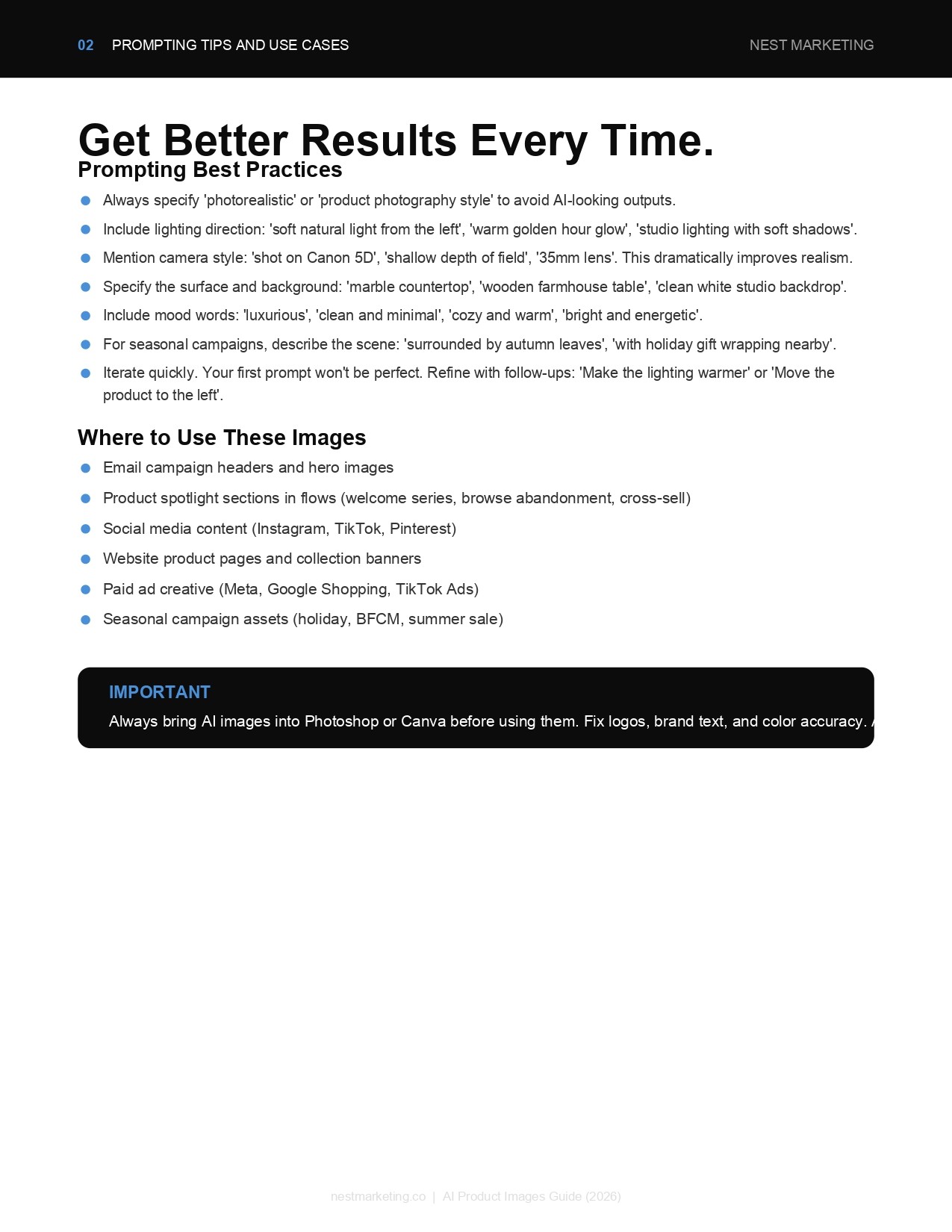
Midjourney prompts should never be treated as the final image before you use them. ALWAYS bring it in to Photoshop and fix it up first

For example, Midjourney is never able to replicate brand logos or names properly (yet). You will need to bring the image into photoshop and change it slightly before you put it out

Want to take your Ecom Brand to the next level?